
Is there a free trial?
Yes. The free trial is 30 days and includes 2 sessions with all core features enabled. No card required.
D&D Session Recap + Campaign Memory
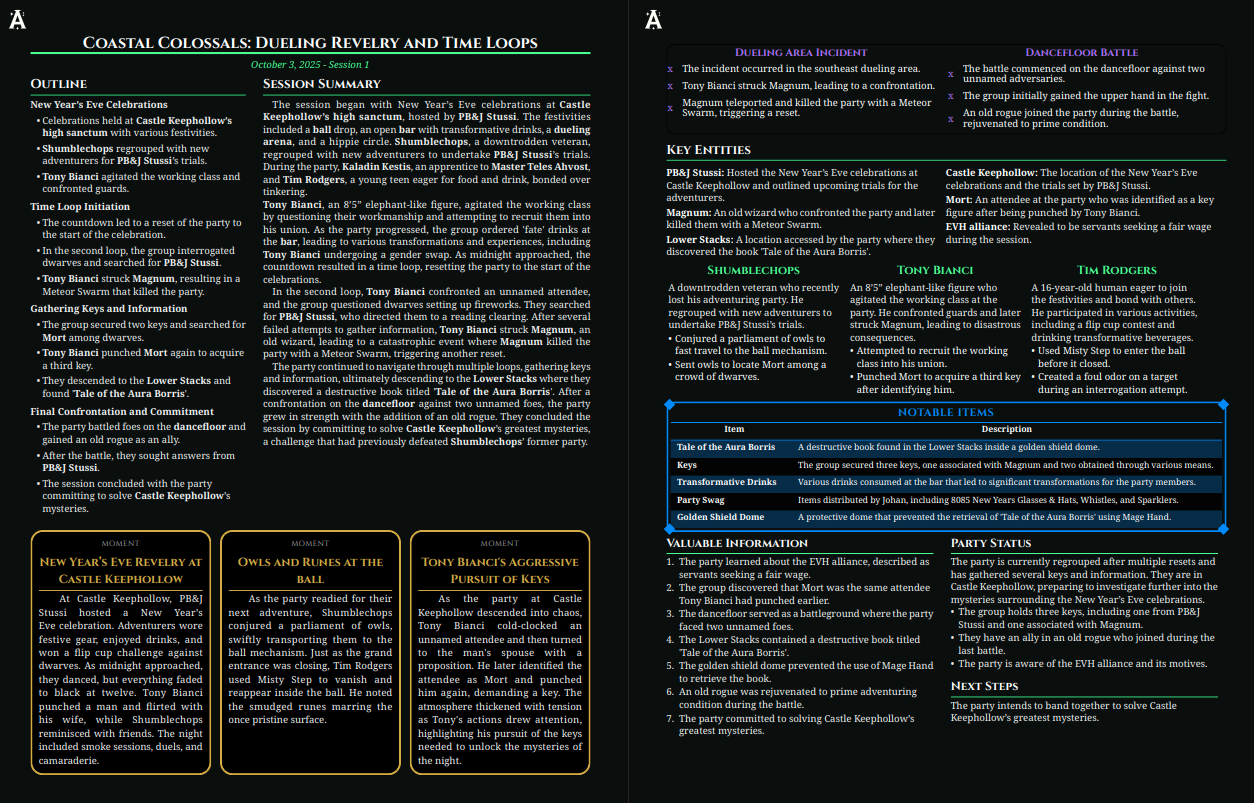
Turn session audio, transcripts, raw notes, or Discord logs into a D&D session recap, session summary, timeline, and persistent campaign memory.
Trial includes 30 days, 2 sessions, and all core features. No card required.
Example output
One example of the recap and shareable output Archivist can produce after session review.
A recap helps. What matters longer term is keeping the campaign accurate between sessions.
Archivist helps you keep track of your D&D sessions with recap text, session notes, quest updates, NPC tracking, and searchable campaign memory, so you do not have to document everything by hand.
Your recap becomes searchable campaign context across sessions.
Characters, locations, factions, moments, and quests stay tied to each TTRPG session.
Review and edit before anything becomes canon or gets shared.
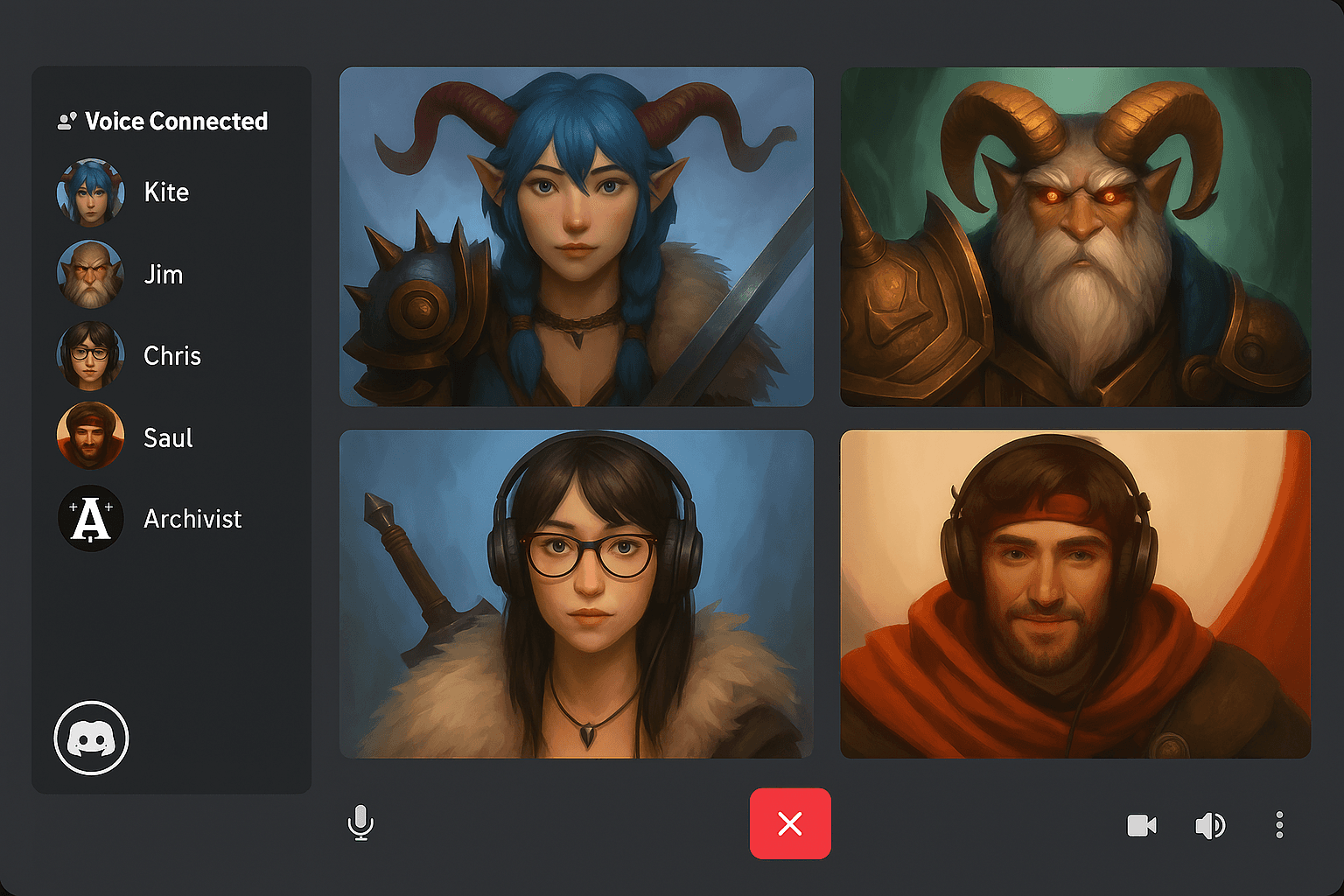
Use Discord, audio, transcripts, raw notes, or play-by-post.
Record live or import an existing session.
Supported inputs
Archivist turns your session material into recap text, session summary notes, timeline beats, entities, moments, and quest updates.
Review the session record, make edits, then save it as campaign memory or share it with your table as a session handout.
Yes. The free trial is 30 days and includes 2 sessions with all core features enabled. No card required.
No. Discord is optional. You can upload audio, transcripts, raw notes, or import play-by-post and still get a D&D session recap.
Yes. Start now and add prior context over time. Archivist is built for ongoing campaigns, not just new ones.
Yes. You can review and edit recap text, session summary notes, timeline beats, entity records, moments, and quest updates.
Use a workflow that captures the session once, then turns it into recap text, session notes, quest updates, and searchable campaign memory. That way you can keep track of your D&D campaign between sessions without relying on manual note-taking alone.
Read the full FAQ for account, privacy, and workflow details.
30 days, 2 sessions, all core features. No card required for your first D&D session recap.
Need details first? Read the documentation or the full FAQ.